• Digital output problem

    Neuron Series neuron s digital output
    2
    0 Votes
    2 Posts
    888 Views
    A
    Hi Tad, When making a complaint or repair, follow the complaint procedure: https://www.unipi.technology/return In this case, however, it may not be a faulty HW, but only an inappropriate output setting: The digital outputs on the Unipi units also enable the so-called PWM mode, where the output is controlled in a different way than during normal on / off switching. Another function that could affect the outputs in this way is the so-called DirectSwitch function. If you work in Mervis SW, you can upload the default configuration simply by creating a new project in the Mervis IDE, assigning a PLC and uploading the Unipi module configuration. For other SW solutions, I recommend checking the values in the Modbus registers. To check that PWM is off, check registers 16 to 19, all of which should contain a value of 0. To check that the DirectSwitch function is turned off, check register 1014, it should also contain the value 0.
  • 0 Votes
    3 Posts
    1k Views
    G
    @HPC Ok, you are right. My fault... I checked -(0.05)^0.78 instead of (-0.05)^0.78 The Mervis behavior is correct. Thank you Jan P.S. Maybe it will be great to add this information into documentation. Now there is IN1 ANY_REAL which seems to me that also negative numbers are accepted.
  • NodeRed image-20220412.0 broken?

    Node-RED
    2
    2
    0 Votes
    2 Posts
    1k Views
    R
    And broken it is. I found out I had many SPI CRC2 errors in my kernel logs. Looking around I found this post It turns out the stock image 20220412.0 for nodered actually ships with the broken revision 1.108 of the kernel module. Thanks to @knebb 's instructions I was able to downgrade to v1.106 and my neuron seems to be working fine again. I hope someone from the customer support gets to see this post and fixes the image quickly. Guys, you have a terrific product line (I bought two neurons and some accessories over the years and I am a very happy customer), but you should really improve the regression testing before releasing: it is not the first time I have problems when trying to use an official image: see here I might be able to provide you with some logs in case you need help in troubleshooting on older hardware (S103 S/N 109 from 2017): just contact me in the next couple of days - then I'll have to put the system back on the field. rob
  • Public access to Zulu Linux Kernel repository

    Moved Operating system
    3
    0 Votes
    3 Posts
    1k Views
    D
    @Martin-Kudláček Hello Martin, Is it possible to have while waiting for the repository, the kernel source archive 5.10.35 as well as the config file. Regards, Damien
  • Patron: Get CPU serial number

    Other Peripherals
    2
    0 Votes
    2 Posts
    1k Views
    M
    Hello @Vesa-Kauppinen, this has been subject to change between Linux kernel versions - the older one cat /sys/devices/soc0/soc_uid comes from the original iMX kernel and has been removed by NXP in newer releases. In our kernel image, we additionally preserve it for backward compatibility. However, cat /sys/devices/soc0/serial_number is a "Linux standard" provided by recent NXP kernels that we recommend using as a unique identification.
  • Wrong device model in EVOK (Patron)

    Official API - Evok
    2
    0 Votes
    2 Posts
    1k Views
    M
    Hello @Vesa-Kauppinen, The 'dev' field describes an object type (similarly to di or relay) so the key has to be constant regardless of the PLC series. You are right, this can be a little bit confusing - it's a piece of history ;-). Now, we will add the new field of a family containing Patron/Neuron/Axon string. The 'dev' field fix is a breaking change of the existing API and will be subject to change within an upcoming new Major version.
  • EVOK a xS11 chyba

    Official API - Evok
    4
    1
    0 Votes
    4 Posts
    2k Views
    C
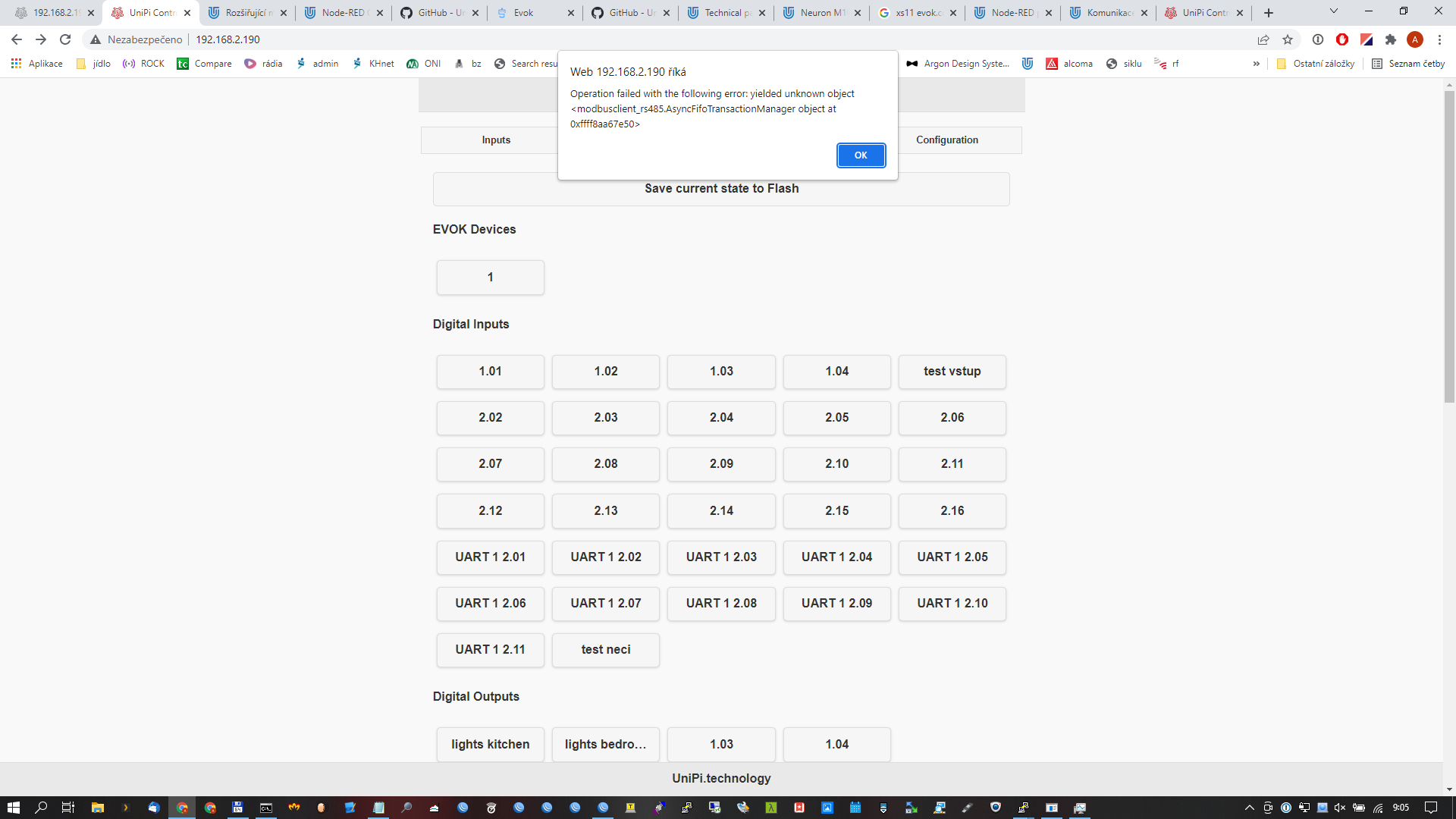
    Toto by mne také zajímalo. xS11 ovládat můžu, ale DirectSwitch rozjet nedokážu. Zkoušel jsem vyčíst status registru pomoci mbpoll, ale tam se mi nepodařilo získat smysluplná data.
  • xS11 Direct switch

    Unipi Extension Modules
    2
    0 Votes
    2 Posts
    1k Views
    A
    Dobrý den, váš předchozí příspěvek prověřím a případně doplním. Na aktuální otázku je odpověď: ANO, lze funce I/O nastavit i jinak Pro nastavení u rozšiřujících modulů Unipi můžete použít např. program mbpoll v linuxu (po připojení přes SSH) a komunikovat se zařízením přes modbus, kde si jednotlivé funkce nastavíte dle modbus tabulky. Přeji hezký den Antonín
  • Oživení starého projektu - chybí DS2408_sh_trans

    Mervis
    2
    0 Votes
    2 Posts
    761 Views
    A
    Dobrý den, licence je skutečně vyžadována až od verze IDE 2.3.0. Ve verzi IDE 2.2.0 se sice zobrazí stav "Nezalicencováno", ale jedná se jen o přípravu. Doporučuji přejít na nejnovější verzi IDE 2.4.1, která má lépe řešenu práci s úložištěm a nedochází tak při správném nastavení k upisování SD karet, nebo eMMC úložiště (u vyšších řad PLC). Licenci Mervis je možné zakoupit na našem e-shopu. Transformaci DS2408_sh_trans nahraďte za lib.Unipi.ds2408_sh_trans. Jsou totožné. Přeji hezký den, Antonín
  • Raspberry GPIO free with UNIPI 1.1

    Unipi 1 - First Generation
    2
    0 Votes
    2 Posts
    1k Views
    A
    Hello Fabio, You can select the EMO-R8 module to expand the Unipi 1.1 board with another 8 relays. This module communicates via I2C, as does the relay on the Unipi 1.1 board. Documentation for this module can be found on our KnowledgeBase. For communication, you can choose either direct control via I2C, or use our EVOK API, which allows you to control, for example, via the REST API or WebSocket. EMO-R8 connection and EVOK configuration: You must first set the address jumpers on the EMO-R8 and connect to Unipi 1.1 using an I2C cable. Then connect the power supplies, connect to the Unipi unit via SSH and edit the /etc/evoc.conf file. Then restart EVOK and the outputs on the EMO-R8 will be available. In the /etc/evok.conf file, find the lines related to EMO-R8 and uncomment them (remove the semicolons at the beginning of the lines). Open file with administrator privileges (sudo). sudo mc -e /etc/evok.conf Then restart EVOK. sudo systemctl restart evok.service Best regards, Antonin
  • HMI připojení

    Mervis
    5
    0 Votes
    5 Posts
    1k Views
    A
    Dobrý den, email k nám bohužel nedorazil. Doporučuji projekt neposílat v příloze emailu, ale přes libovolnou "úschovnu" a do emailu vložte pouze odkaz ke stažení. Přeji hezký den, Antonín
  • 0 Votes
    1 Posts
    834 Views
    No one has replied
  • 0 Votes
    2 Posts
    1k Views
    M
    Hello @romainletendart , as the first point, let me briefly describe the device architecture: Every Neuron device consists of one, two or three coprocessor boards. In the device-tree overlay, the full three-boards configuration is always supposed. During the driver-load phase (probe), the driver tries to contact all three boards (messages in the syslog come from this phase). In case of success, the driver creates the sysfs structure for every responding board (called io_groupX). This routine is invoked at driver load only - ie. at the boot time. To your questions: There is no way how to check the presence of a non-coprocessor board. These boards are just simple I/Os without any "intelligence". In case a co-processor board does not present at the boot time, no sysfs structure is created for this io_group. This status is a link to the currently loaded device tree. As mentioned above, all three boards are still active there, so you always read the "okay" string. In case the board is not found during the boot phase, no sysfs structure is created. Maybe standard Linux SPI subsystem statistics can be useful for you, e.g.: /sys/devices/platform/unipi_plc/io_group1/driver/spi0.1/statistics If you provide more details about your application, I can try to give you some more specific tips.
  • Codesys emo R8 device

    Moved CODESYS
    9
    0 Votes
    9 Posts
    6k Views
    Martin KudláčekM
    Hello @FabioIT, the development of Codesys support has been dropped altogether. The Codesys can be still used on Neuron via ModbusTCP. The Unipi 1.1 doesn't have IOs accessible via ModbusTCP, only scattered over I2C, GPIO and so on - nothing easily configurable. Best regards, Martin
  • 0 Votes
    2 Posts
    1k Views
    Martin KudláčekM
    For the record, this issue is currently being dealt with over email. Martin
  • clearTimeout not working ?

    Node-RED
    2
    0 Votes
    2 Posts
    1k Views
    T
    after many trys i fund the solution i created the object that contain the timer and the 2 methods start and stop var newLocal = null; const myAction = { timer: newLocal, start : function (timerr) { return this.timer = setTimeout(function(){ node.warn (cmd_build("circuit",1)); }, timerr); }, stop : function (timer) { return clearTimeout(timer); }, }
  • Using PWM Output from Raspberry

    Locked Unipi 1 - First Generation
    5
    0 Votes
    5 Posts
    2k Views
    J
    @juergschwarz Ok it works. had to change the position in raspberry.cpp to the end of void initializehardware() and the Initial values higher (4000 and 6000) Thanks
  • How to implement schedule with TPG gadget in HMI

    Mervis
    2
    4
    0 Votes
    2 Posts
    961 Views
    Martin KudláčekM
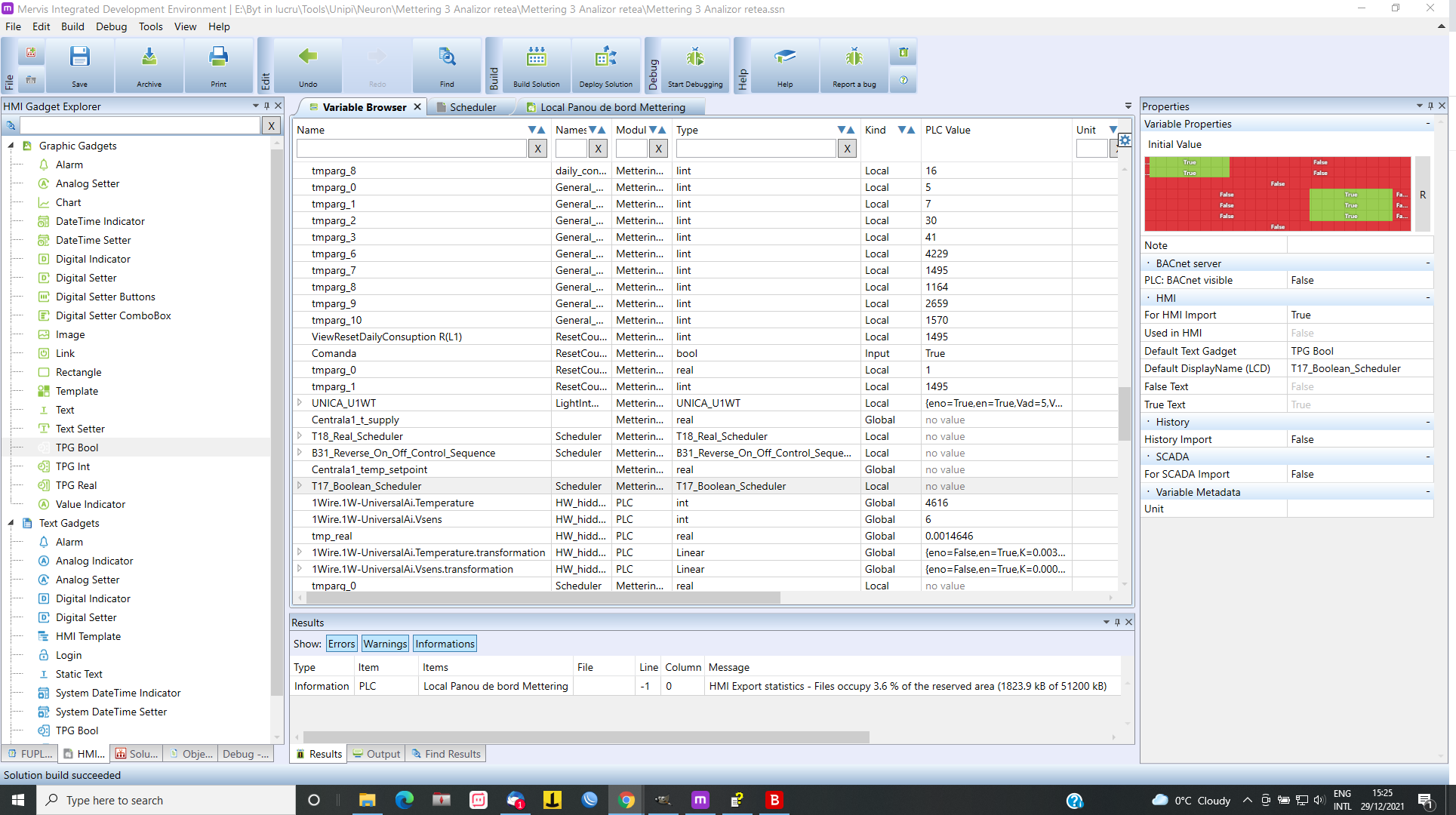
    Hi @Tase, you are trying to use variable (instance of a TPG function blok) which is in another function block. This is possible, but it is usually not good idea, since you would broke the "encapsulation" provided by the function block. What might be better is to create a HMI function block template and use it in the HMI template. Best regards, Martin
  • Is RedPLC package included in Unipi's Node-RED OS image?

    Node-RED
    2
    0 Votes
    2 Posts
    1k Views
    Martin KudláčekM
    Hello @M1che1, this package is not included in our images, only our is: https://flows.nodered.org/node/@unipitechnology/node-red-contrib-unipi-evok The packages can be added later of course. Using another OS image (such as Raspberry Pi OS) can be harder to configure - you need to install Evok. The Ubuntu Core OS is not supported and probably won't work because of the different package names and versions. Best regards, Martin
  • Power Supply Unipi 1.1 and RPi

    Unipi 1 - First Generation
    2
    0 Votes
    2 Posts
    1k Views
    Martin KudláčekM
    Hello @M1che1, the Unipi 1.1 has been designed for needs of Raspberry Pi 2. Since then, the RPIs got more power hungry and the internal connections might not be suitable for powering both the RPI and the Unipi 1.1. That depends on what RPI you are using and what you are running on the RPI. It is definitely safer to use separate power supplies. Best regards, Martin