• How to increase internal operation speed?

    5
    0 Votes
    5 Posts
    2k Views
    T
    Hi @Kai! I would like to add that you can increase the 'speed' of Mervis by removing any "counter" variables that you don't need to use. It's an unfortunate feature of the IDE that there is an enforced 10ms timeout between each ModBus request, and every counter in the current release version of Mervis creates its own request. We have changed this in an upcoming major update to the IDE, but unfortunately I cannot give you a firm date for when it will be released. The program logic in Mervis is however independent of the communication thread and can run at orders of magnitude higher speed. The underlying system is easily capable of operating with fairly complex logic (even on localhost via Evok, and Evok is written in Python, which considerably limits its speed) at sub-millisecond polling rates; the internal SPI communication bus itself allows for around 20 000 mid-size (~30 bytes) ModBus messages per second (the actual communication speed is 12MHz, but due to overhead and delays between messages the ModBus throughput is somewhat lower). This is why you may find lower-level access more suitable for your purposes than Mervis, which runs as a relatively slow interpreted virtual machine with standard-specified communication rates, and is primarily intended for lower-speed automation.
  • Access the filesystem from Mervis

    13
    0 Votes
    13 Posts
    5k Views
    D
    After change vim /etc/apt/sources.list.d/unipi.list as you wrote, everything works #deb https://files.unipi.technology/debian stretch main deb https://repo.unipi.technology/debian stretch main thanks for support
  • Access to variables from another PLC

    24
    0 Votes
    24 Posts
    16k Views
    T
    @mdturnerphys Sure! We expect to release the new Mervis IDE and required tutorials on our new knowledge base this Friday.
  • This topic is deleted!

    1
    0 Votes
    1 Posts
    21 Views
    No one has replied
  • What is the Mervis license for?

    2
    0 Votes
    2 Posts
    1k Views
    T
    Hi @Kai, The license code is used for enabling the cloud database and cloud VPN, which gives you a secure way of accessing data on your device remotely. Hope this helps
  • Unable to connect PLC

    3
    1
    0 Votes
    3 Posts
    2k Views
    K
    Hi Thomas, it's working now together with a Mervis OS 1.7 beta. Thanks a lot! Best Regards, Kai
  • Zobrazení HMI - pouze modrá obrazovka

    1
    2
    0 Votes
    1 Posts
    2k Views
    No one has replied
  • Vzdálené zprovoznění Proxy

    8
    0 Votes
    8 Posts
    3k Views
    Martin KudláčekM
    Dobrý den @kaniiisek, jsem rád, že Vám spojení funguje. Proč nefungovalo dříve je těžké odhadnout, musel bych mít k dispozici Váš projekt. S pozdravem, Martin Kudláček
  • Axon serial port access

    2
    0 Votes
    2 Posts
    2k Views
    T
    @derinex Thanks for the topic. Will update the Mervis documentation for all models <port id="2">RS485-1</port> <port id="3">RS232-2</port> <port id="10">USB1</port> <port id="11">USB2</port>
  • Beta 1.7 root-password

    11
    0 Votes
    11 Posts
    5k Views
    V
    @martin-kudláček Hi, I'm also trying to use 1.7beta, can you send me new MervisIDE 2.1.3 link, please?
  • Cannot upload web to PLC

    5
    0 Votes
    5 Posts
    2k Views
    J
    It's working with image 1.7b and development version. Thanks
  • DI Not working

    8
    1
    0 Votes
    8 Posts
    3k Views
    Martin KudláčekM
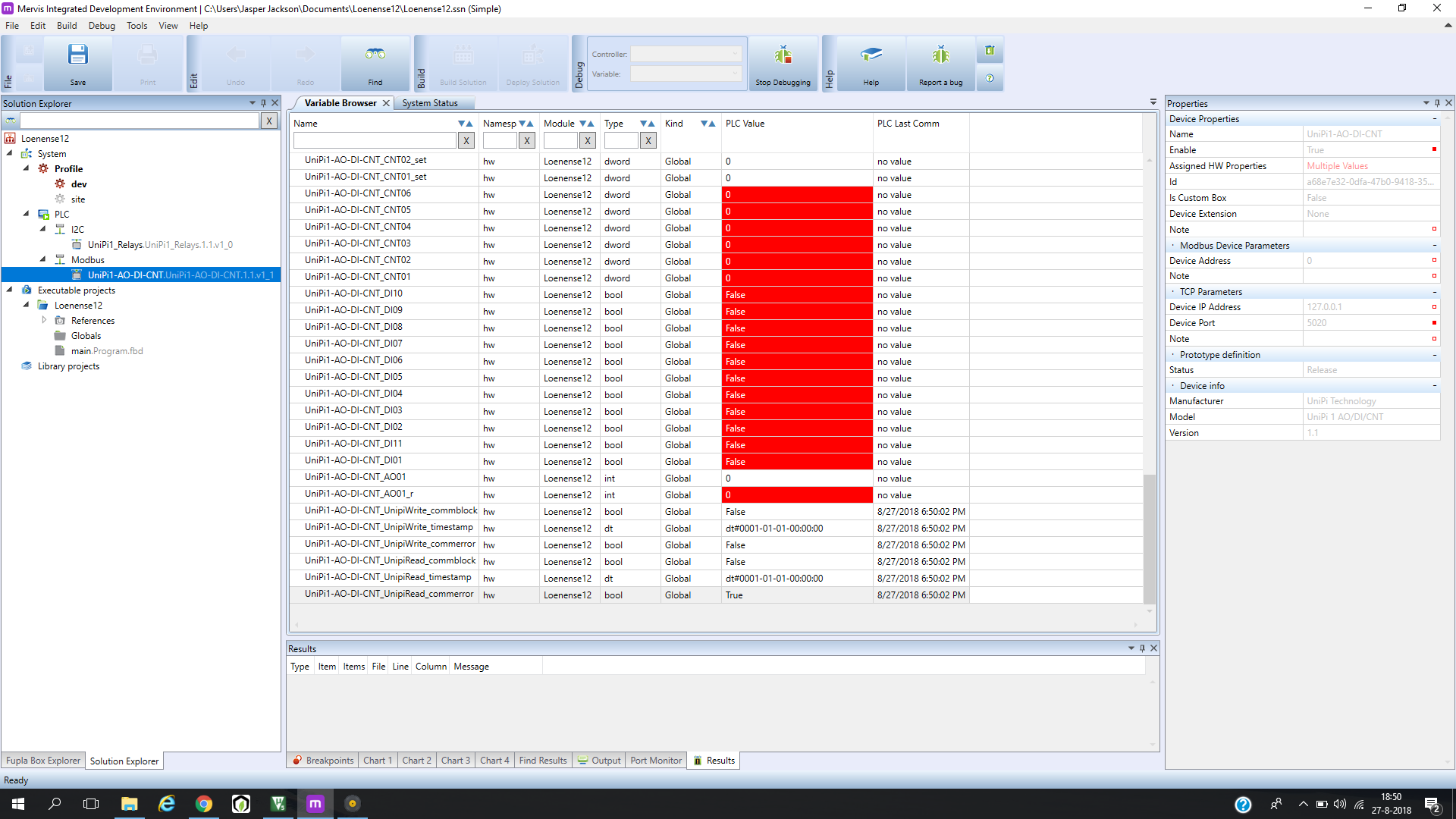
    Hello again @JasperJackson, as we discussed via email, the image 1.7 and latest development version of MervisIDE fixes the problem you have encountered. Another problem occured when reading states of the digital inputs. We discovered a problem in the installation package and issued a new version. To fix your problem, SSH into the PLC and issue these commands: sudo su dpkg -P evok-mini pigpio apt-get update apt-get clean apt-get install evok-mini reboot For clean image 1.7 you just need to install the fixed evok-mini package. Martin
  • Serail ID of /dec/tttACM0 using io.openport

    2
    0 Votes
    2 Posts
    1k Views
    Martin KudláčekM
    Hello @steve-vandenbussche, the serial ID for dynamic ports starts with 100. The return value of io.openport() is indeed type io.commhandle and you should be able to get the information whether the port has been opened or not. I will investigate the actual functionality as this looks like it's broken. Martin
  • Připojení k neuronu z pc a čtení/zápis hodnot

    4
    0 Votes
    4 Posts
    2k Views
    Martin KudláčekM
    Dobrý den Dalibore, toto je velmi jednoduché. V MervisIDE přidáte na PLC "Serverový kanál" a nastavíte protokol na ModbusTCP. Přidáte serverové zařízení, nastavíte mu IP adresu, port a modbusovou adresu, na které bude přístupné. V detailu zařízení pak namapujete registry a coily na příslušné proměnné. K proměnným pak přistupujete přes síť z libovolného Modbus Master zařízení / programu. Místo ModbusTCP je možné použít i ModbusRTU, kde nakonfigurujete příslušný RS485 port a nastavíte modbusovou adresu. Nemám ověřenou funkcionalitu na starém IDE (2.0.x), ale v novém, které bude začátkem září je toto plně funkční. Martin
  • RS485 ASCII-Protocoll

    14
    0 Votes
    14 Posts
    6k Views
    T
    @Andmo That looks about right - could you describe in more detail the problems you are having? It's quite hard to tell from the screenshot.
  • Blind Control

    4
    0 Votes
    4 Posts
    2k Views
    Martin KudláčekM
    Hello @arolli, the new Mervis release is being expected in upcoming weeks, hopefully by the end of this month.
  • Problem with RL Update

    2
    0 Votes
    2 Posts
    1k Views
    T
    @joe160781 Discussed in email communication
  • temperature reading changed

    2
    0 Votes
    2 Posts
    1k Views
    N
    ok i just figured out i apparently changed the resolution somehow with some random clicking to get the sensor going. (i found the PDF file on how to change resolution of the DS18B20)
  • Mervis DB

    6
    0 Votes
    6 Posts
    3k Views
    Martin KudláčekM
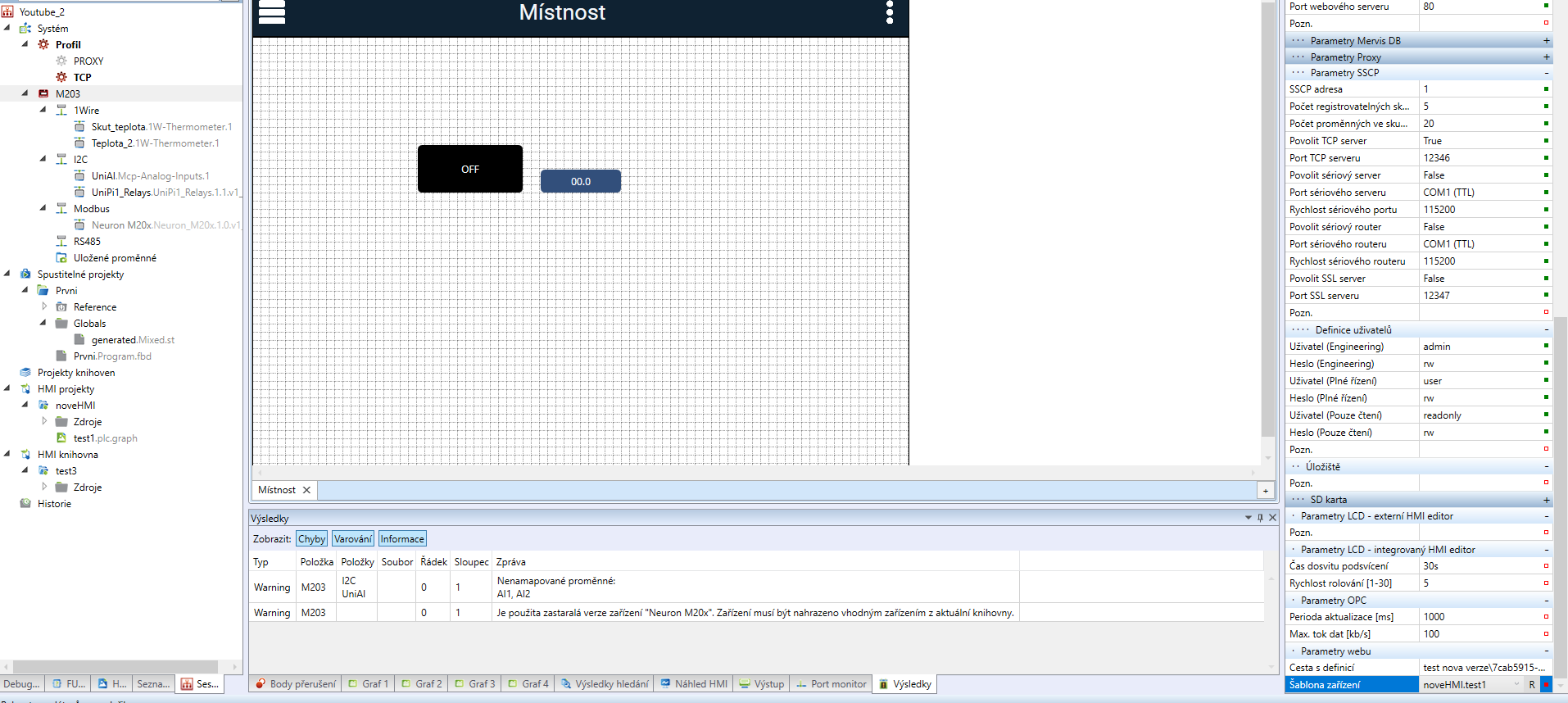
    Then I would suggest you to study the API. It really allows you to have "gateway" that acts as a real MervisDB. In MervisIDE you would point the "Mervis DB parameters" to http://your.server.com/save and your software on this server can store the data internally to MySQL, InfluxDB or wherever you like. Adding a custom JS scripts into HMI is not supported.
  • Serial port selection with io.openport

    3
    0 Votes
    3 Posts
    2k Views
    M
    It works!! Thanks!!