How to implement schedule with TPG gadget in HMI
-
Hi,
I try to implement a schedule using TPG in HMI, I want to heat a room using a schedule.
I make a program in project
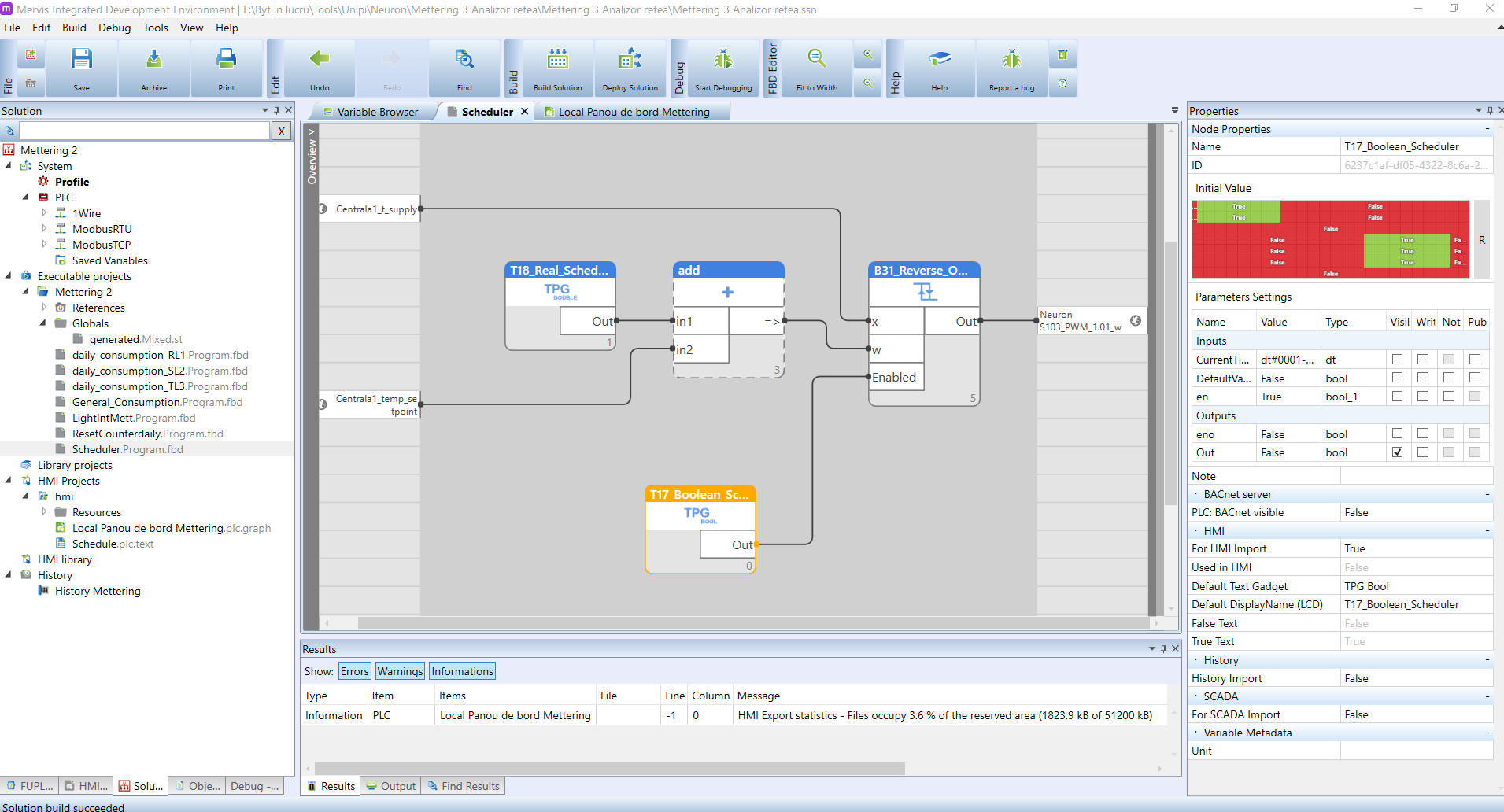
In HMI project I make a new page, page 3 and I atach TPG Bool gadget
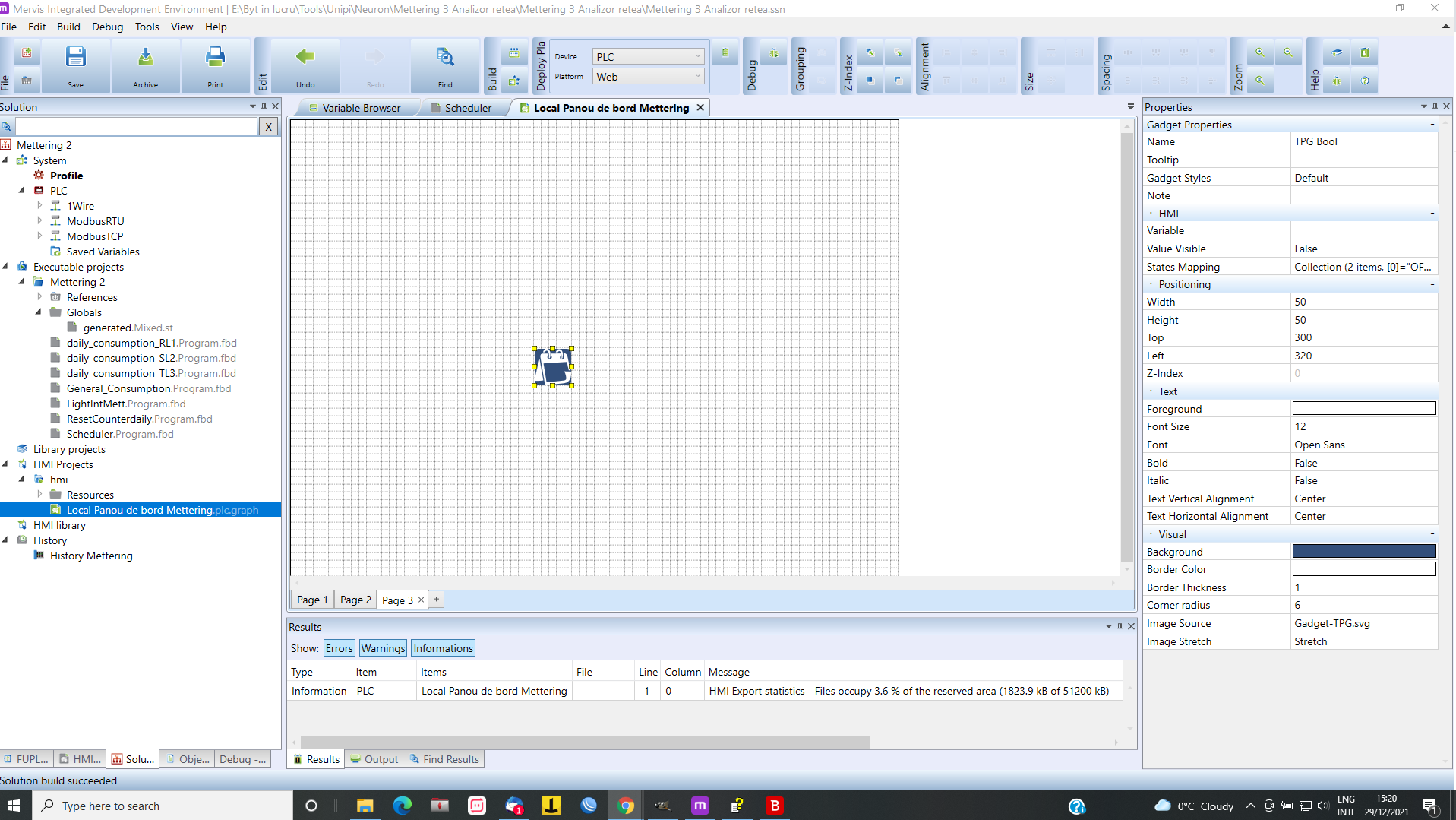
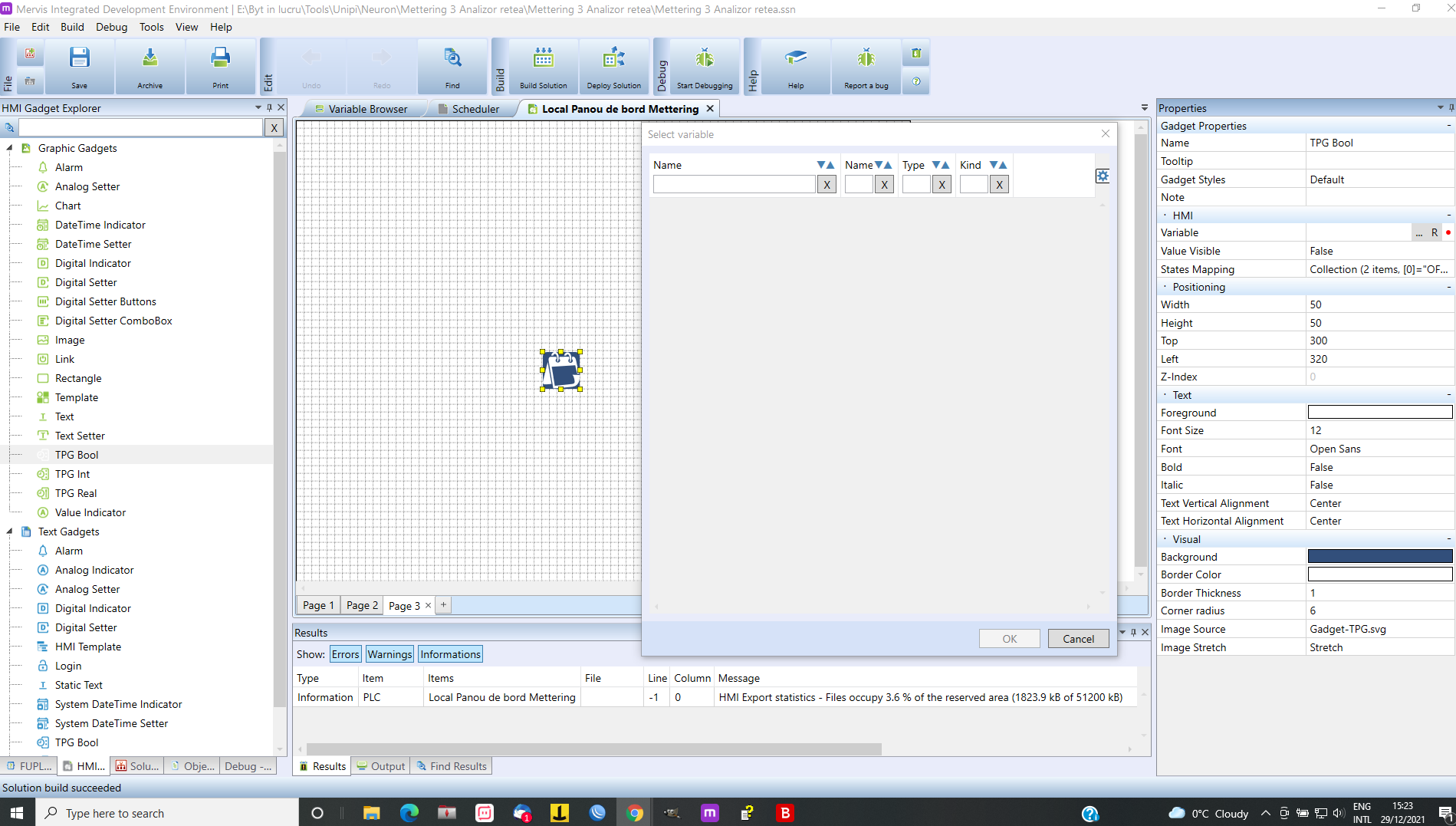
If I try to attach a variable to TPG Boll, select variable are empty
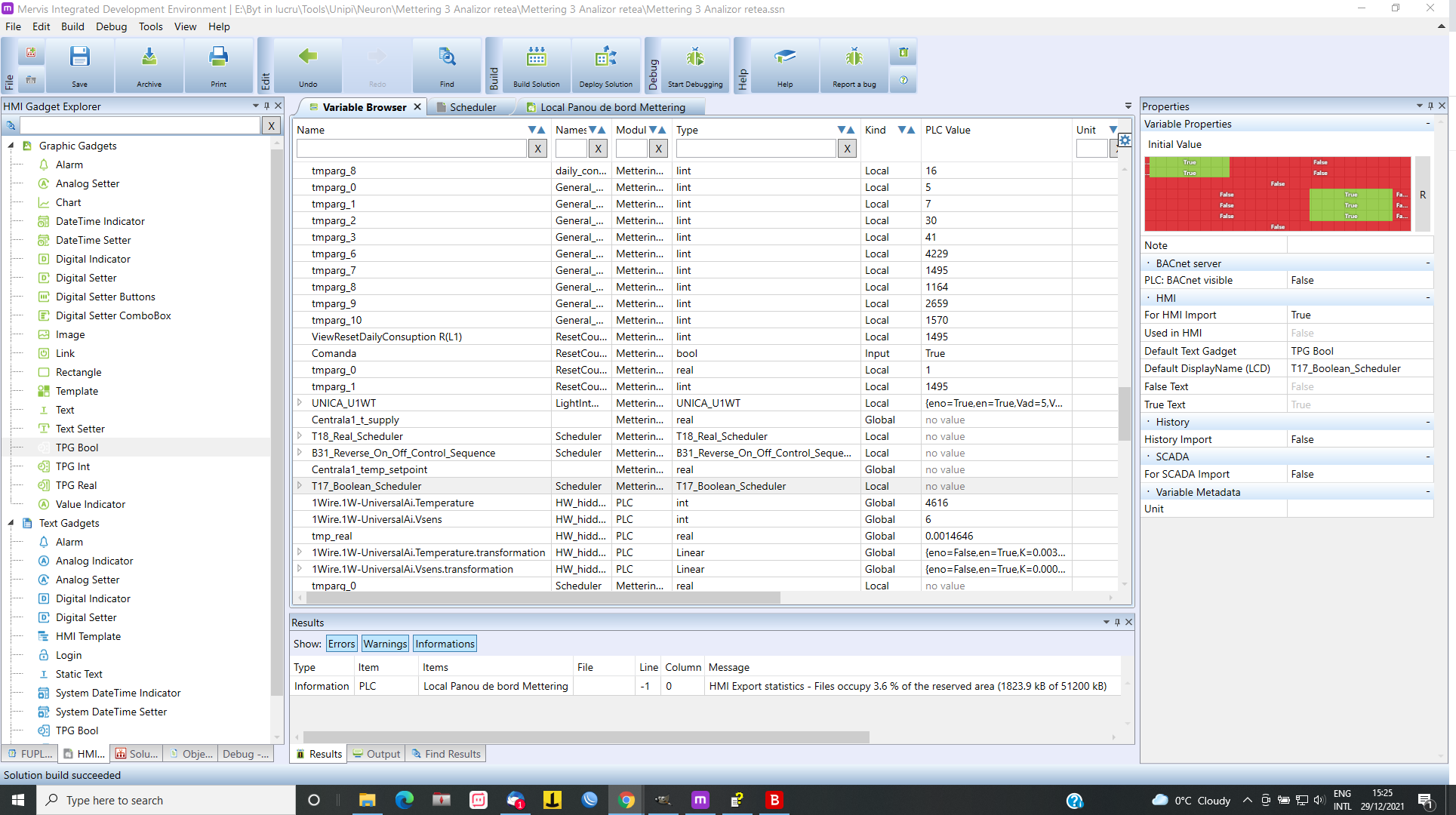
In variable brewser I have T17_Boolean_Scheduler but in HMI I dont have this variable. What can I do?
-
Hi @Tase,
you are trying to use variable (instance of a TPG function blok) which is in another function block. This is possible, but it is usually not good idea, since you would broke the "encapsulation" provided by the function block. What might be better is to create a HMI function block template and use it in the HMI template.Best regards,
Martin

Hello! It looks like you're interested in this conversation, but you don't have an account yet.
Getting fed up of having to scroll through the same posts each visit? When you register for an account, you'll always come back to exactly where you were before, and choose to be notified of new replies (either via email, or push notification). You'll also be able to save bookmarks and upvote posts to show your appreciation to other community members.
With your input, this post could be even better 💗
Register Login